⚙️ Settings
Switch to the "⚙️ Settings" tab to customize DailyCost Vault's appearance and interactions to your liking.
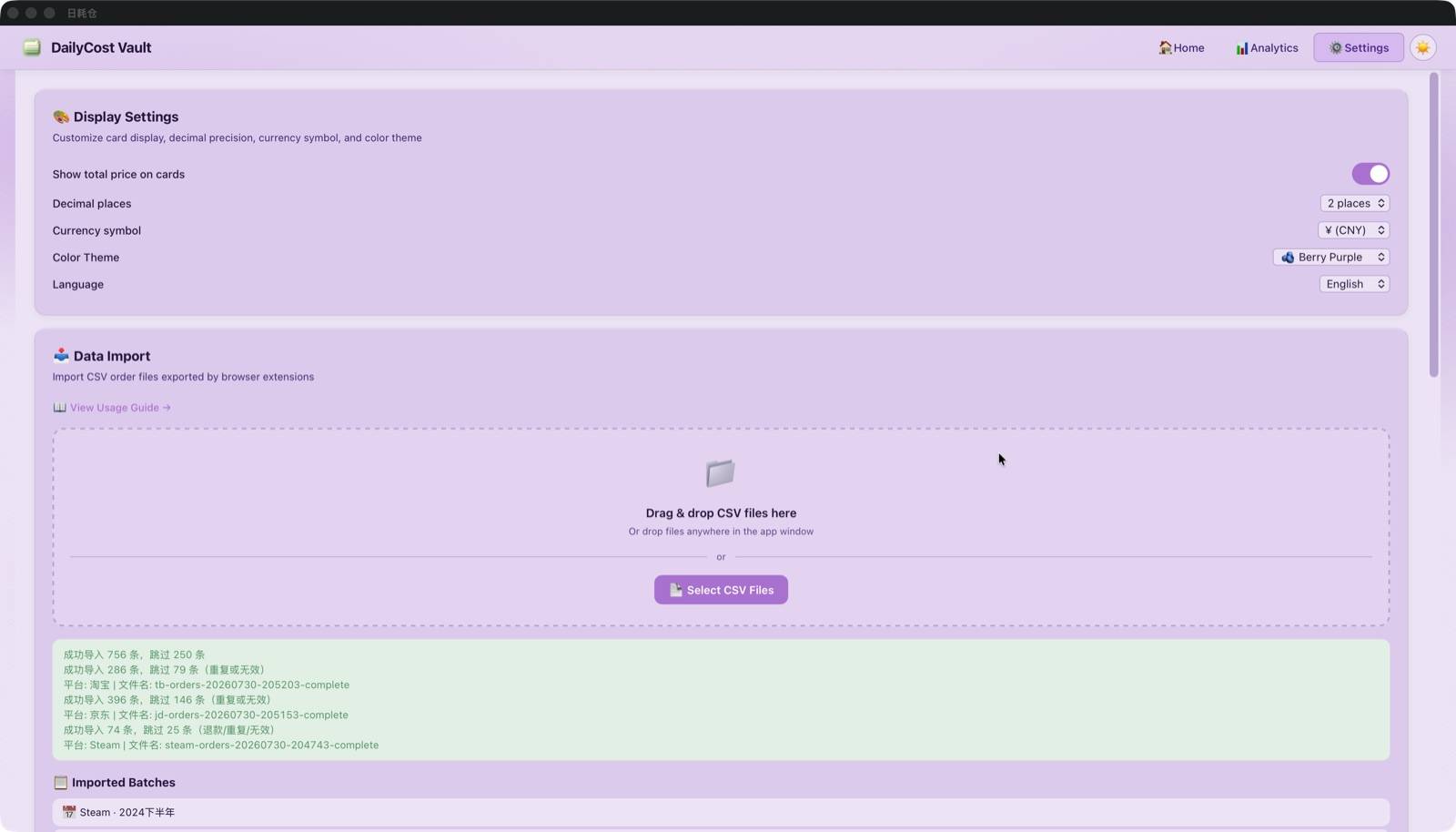
Theme & Appearance
| Setting | Options | Description |
|---|---|---|
| Theme Mode | Light / Dark / Follow System | Overall light/dark color scheme; click 🌓 button top-right to quickly switch |
| Color Scheme | 🍵 Matcha Green / ☁️ Sky Blue / 🫐 Berry Purple / 🍑 Peach Pink / 🍊 Tangerine Orange | 5 complete color schemes, independently designed for light and dark modes |
| Platform Colors | Custom HEX color | Set badge color per platform; 10-color palette + custom input |
| Show Total Price | Toggle | Control whether total purchase price shows on cards |
| Decimal Places | 0–5 | Precision of monetary display |
Emoji Icon System
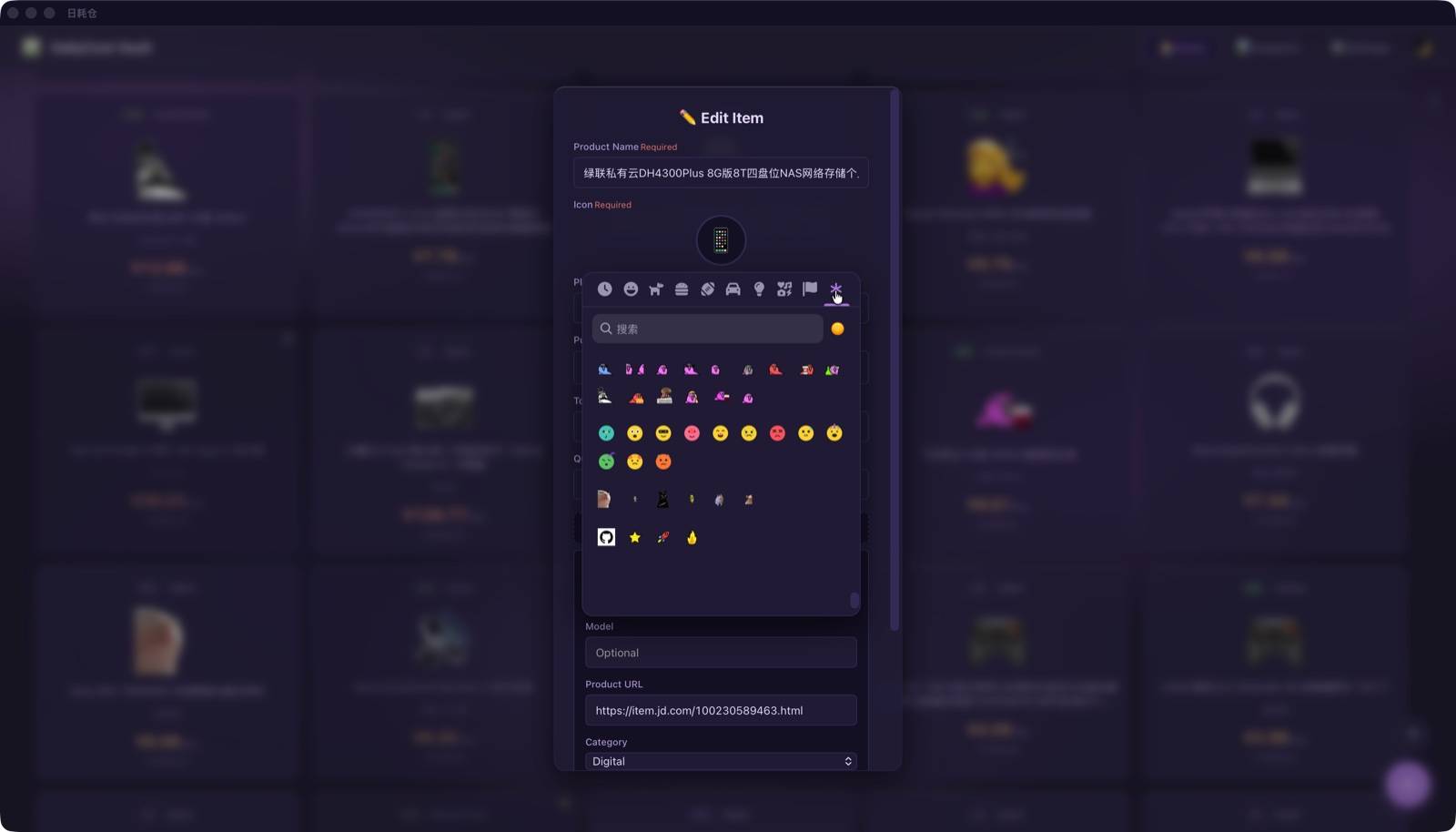
DailyCost Vault has a rich built-in icon system, giving every item a unique identifier:
- Unicode Emoji: Full emoji-mart picker with keyword search
- Custom Emojis: 37 total across 4 categories:
| Category | Content | Type |
|---|---|---|
| 🦜 Party Parrots | 15 classic animated parrot GIFs (party/conga/deal-with-it, etc.) | Animated GIF |
| 🫧 Reactions | 12 Blob-style SVG emojis (think/wow/cool/love/laugh/cry, etc.) | Inline SVG |
| 🐱 Cats | 6 cat animated GIFs (vibing/happy/serious/banana/huh/pop) | Animated GIF |
| 🏷️ Mascots | Octocat + Star + Rocket + Fire | PNG |
- Auto-match: During CSV import, automatically matches emojis based on product name keywords (covering 35+ categories: electronics, apparel, personal care, home, etc.)
Language & Currency
| Setting | Options | Description |
|---|---|---|
| Interface Language | 简体中文 / 繁體中文 / English | Takes effect immediately; all UI auto-translated |
| Currency Symbol | ¥ / $ / € / £ / ₩ / ₹ | Custom display currency symbol, independent of language setting |
Platform Colors
In the Settings page, each platform has a colored dot button — click to open the color picker:
- 10 preset palette colors
- Custom HEX color value input
- Changes take effect immediately — card badges and detail labels update in real time
Next Steps
Learn about 💾 Data Management & Backup to keep your asset data safe.